How to Optimise Website Speed for Better User Experience?
Ever clicked on a slow-loading website and felt your patience disappear instantly? It happens to all of us. Those few seconds are enough to lose a potential customer, which is why website speed optimisation has become such a crucial part of modern web design.
A fast site makes people feel comfortable and willing to explore. In this blog, we’ll share practical ways to keep your website running smoothly and your visitors coming back.
Why Website Speed Optimisation Matters for Today’s Users?
Modern users don’t have the patience for poorly performing sites. With so many options available online, a slow website instantly loses attention and trust. Faster pages keep people browsing longer, exploring deeper, and engaging with your content more naturally. This makes speed one of the simplest ways to improve website load time and overall satisfaction.
Does Page Speed Affect SEO?
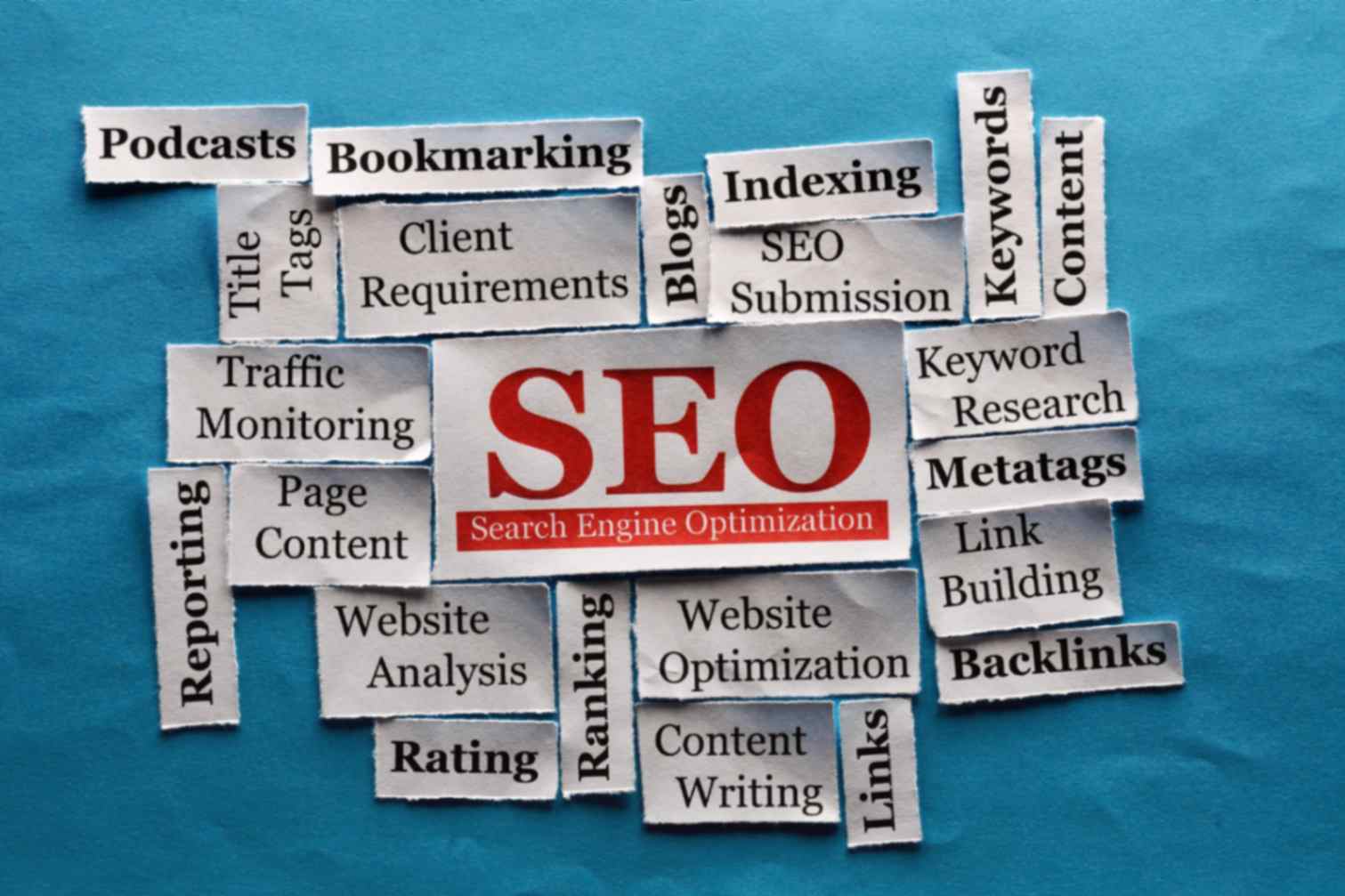
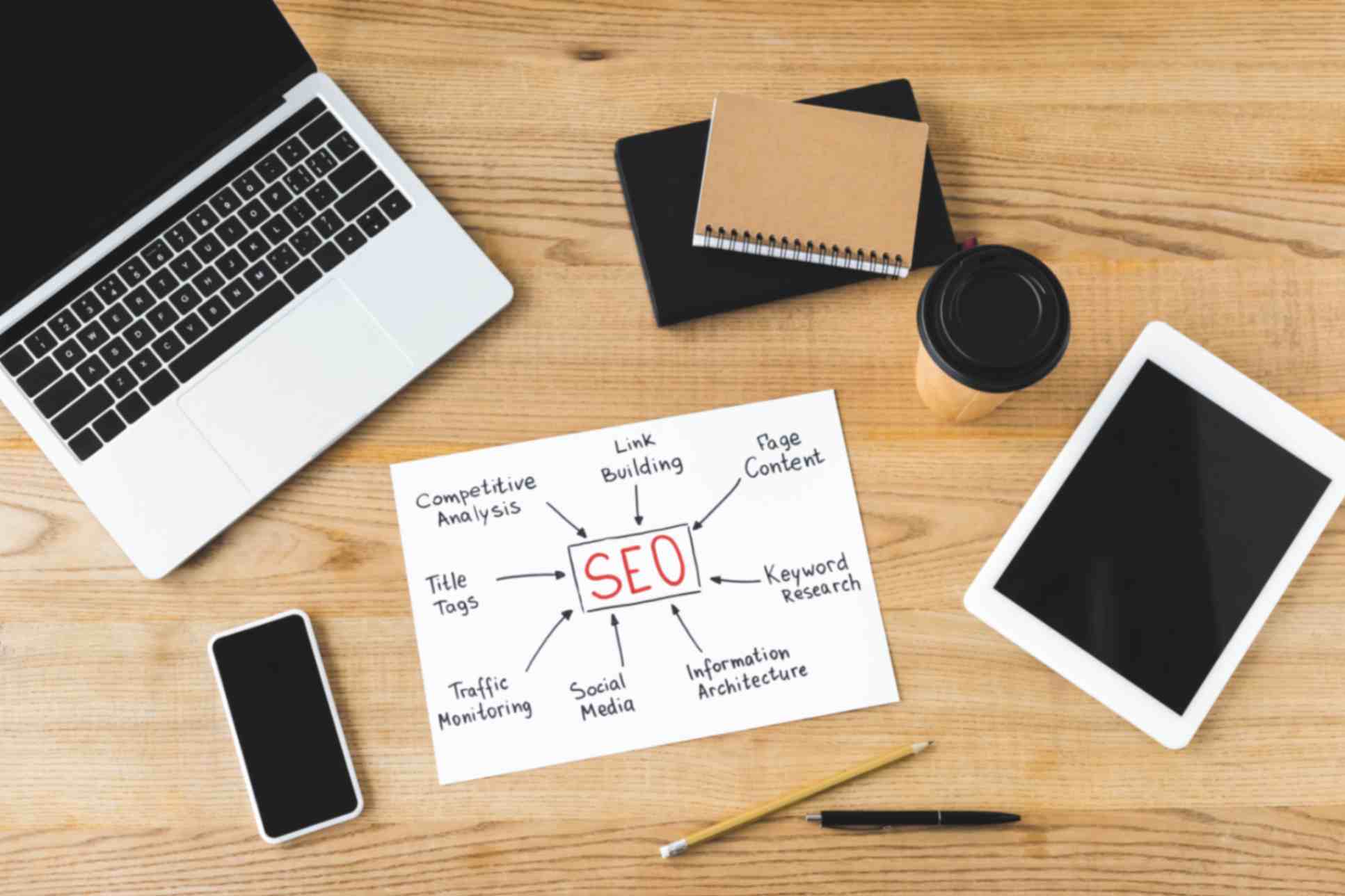
Speed directly influences where you appear in search results. Google’s algorithm evaluates key performance factors through Core Web Vitals, meaning page speed and SEO are strongly linked. A faster website gets rewarded with better visibility, reduced bounce rates, and stronger organic traffic.
Key Factors That Influence Website Load Time
A website can slow down for many reasons, and most of them are fixable. Low-quality hosting increases server delays, heavy high-resolution images drag pages down, and too many plugins add unnecessary weight. Even poorly written code or old theme structures can impact the way your pages render and how quickly users can interact with them.
Practical Ways to Optimise Website Speed for Better User Experience
Improving your website doesn’t always require a full rebuild. Small, smart adjustments can make a huge difference.
Optimise Images for Fast Website Design
Compress all images, switch to modern formats like WebP, and enable lazy loading to improve website load time immediately.
Minify CSS, JavaScript, and HTML
Removing redundant code reduces file size and speeds up rendering.
Use Browser Caching and a CDN
Caching saves site data on the visitor’s browser. CDNs deliver content from the nearest server, significantly improving global website speed.
Remove Unnecessary Plugins
Many websites rely on 20+ plugins when they only need a handful. Simplifying your setup accelerates performance.
Why is it Important to Improve Mobile Page Speed?
Since most browsing now happens on mobile, a slow mobile experience can cost businesses more than they realise. Streamlining layouts, compressing assets, and prioritising responsive design ensures your website loads quickly on smaller screens. This instantly helps to improve user experience website performance for mobile visitors.
How to Test Your Website Speed?
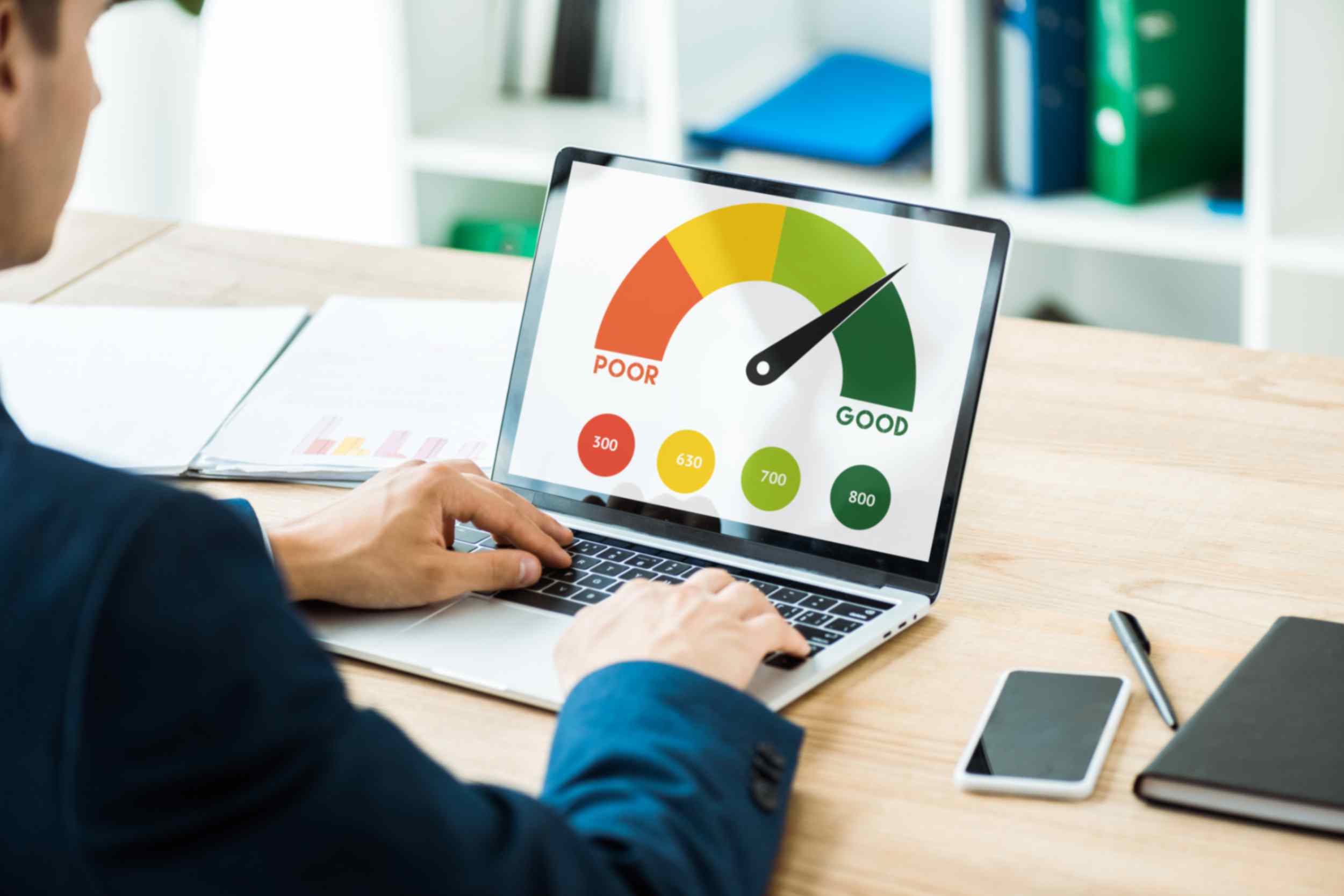
Tools like Google PageSpeed Insights, Lighthouse, and GTmetrix highlight exactly what’s slowing your site down. Metrics such as LCP, FCP, and CLS offer valuable insight into how quickly your page loads, becomes interactive, and visually stabilises. This makes them key indicators for effective website speed optimisation.
Connect with Kava Digital for Website Speed Optimisation
It’s simple that people love websites that feel quick and effortless. And when your site delivers that kind of experience, your brand instantly feels more trustworthy and professional. That’s why website speed optimisation is worth the investment.
It improves how users see you and how search engines rank you. If you want a hand speeding things up, we at Kava Digital are here to help. Get in touch with us, let’s make your website smoother, faster, and truly customer friendly.
FAQs
1. How does page speed affect SEO?
Fast websites perform better in search results because Google rewards strong Core Web Vitals and positive user signals.
2. What’s the quickest way to improve website load time?
Start by compressing your images and removing unnecessary plugins. These usually offer the fastest improvements.
3. Is mobile website speed as important as desktop?
Yes, absolutely. Most users browse on mobile, and slow mobile pages lead to higher bounce rates.
4. How often should I run website speed tests?
At least once a month, and after any major update or plugin installation.